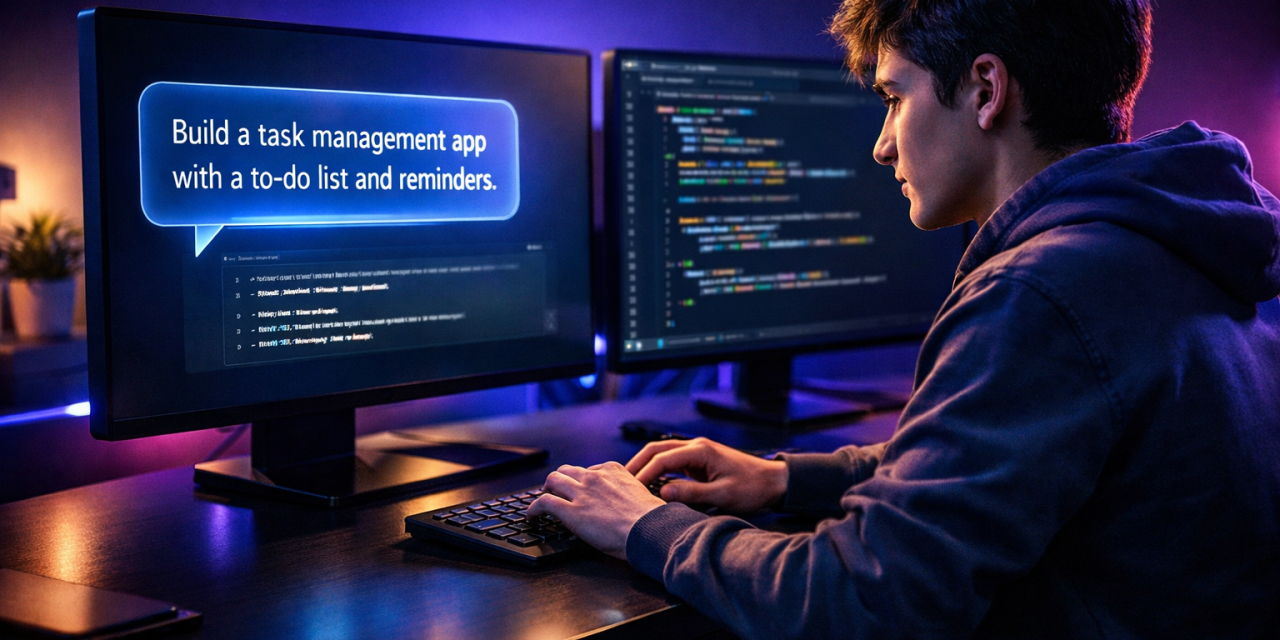
A year ago, you needed thousands of hours of practice to build a working app. Today, thousands of people are shipping real software with zero coding experience — just by describing what they want. That shift has a name: vibe coding.
If you’ve seen the term trending on X, Reddit, and YouTube but aren’t sure what it means, you’re in the right place. Vibe coding is changing who gets to call themselves a builder — and it might change your career too.
In this guide, you’ll learn exactly what vibe coding is, how it works, which tools to use, and how to start today — even if you’ve never written a single line of code.
What is vibe coding?
Vibe coding is the practice of using AI tools — such as Cursor, GitHub Copilot, or Replit Agent — to write, debug, and build software using plain English instructions. Instead of memorizing syntax, you describe what you want, and the AI generates the code for you.
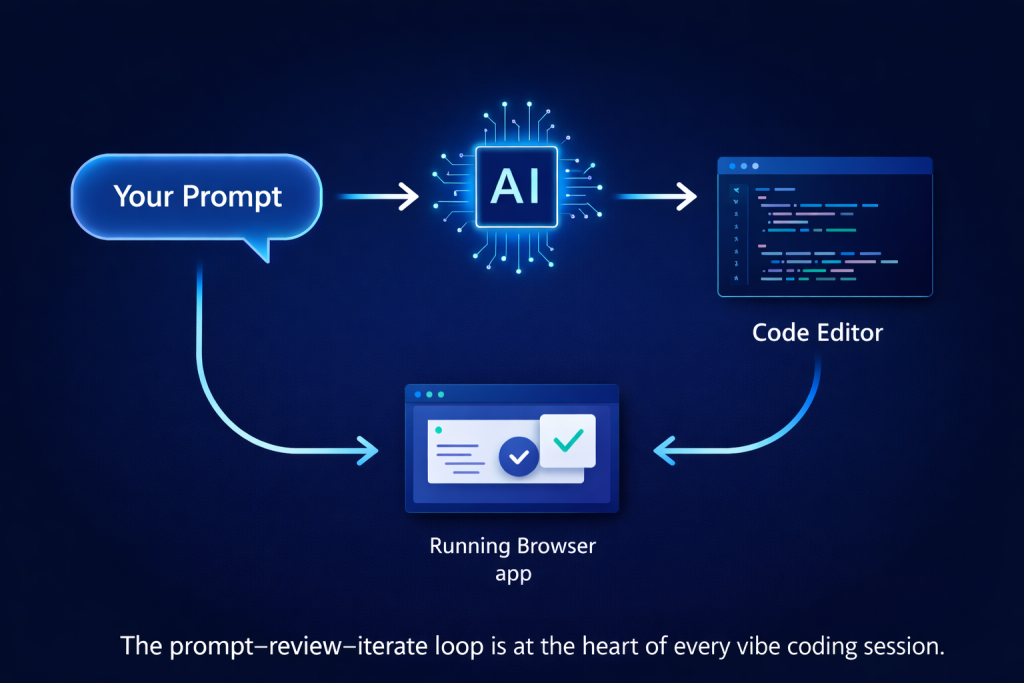
Table of Contents
- What Is Vibe Coding?
- Why Vibe Coding Is Taking Over Tech
- How Vibe Coding Actually Works
- How to Start Vibe Coding Today
- Best Tools for Vibe Coding Beginners
- Vibe Coding Mistakes to Avoid
- FAQ
- Final Thoughts
What Is Vibe Coding?
Vibe coding is not just autocomplete on steroids. It’s a fundamentally new way to build software.
The term was coined by AI researcher Andrej Karpathy in early 2025. He described it as “fully giving in to the vibes” — where you tell an AI what you want, accept its suggestions, and iterate until the thing works. You stop reading code line by line. You focus on the outcome instead.
Think of it as the difference between:
- Old way: Writing every function, debugging every error, and memorizing every framework rule
- Vibe coding way: Describing what you want in plain English and letting AI handle the implementation
💡 Pro Tip: Vibe coding doesn’t mean you never look at code. The best vibe coders still review AI output for logic errors and security gaps — especially before shipping anything live.
Traditional coding required you to think like a computer. Vibe coding lets you think like a product designer. You define what — the AI handles how.
Why Vibe Coding Is Taking Over Tech
The numbers tell the story fast. According to GitHub’s 2025 Octoverse Report, over 55% of code in repositories using GitHub Copilot is now AI-generated. That figure jumped from just 27% in 2023.
Why is it spreading so quickly? Three big reasons:
1. The barrier to entry dropped to almost zero.
You no longer need a computer science degree to ship a working product. A designer with a sharp idea can build a functioning web app in a weekend. Founders and marketers now build their own internal tools — without hiring a single engineer.
2. Expert developers got dramatically faster.
Even seasoned engineers use vibe coding to skip boilerplate, generate tests, and prototype in minutes instead of hours. It doesn’t replace developers — it gives them superpowers.
3. The AI tools became shockingly capable.
Modern AI coding assistants don’t just autocomplete a line. They understand context, maintain multi-file awareness, catch bugs before you run the code, and explain every decision in plain English.
📌 Key Takeaway: Vibe coding matters because it removes the technical barrier between a good idea and a working product.
How Vibe Coding Actually Works
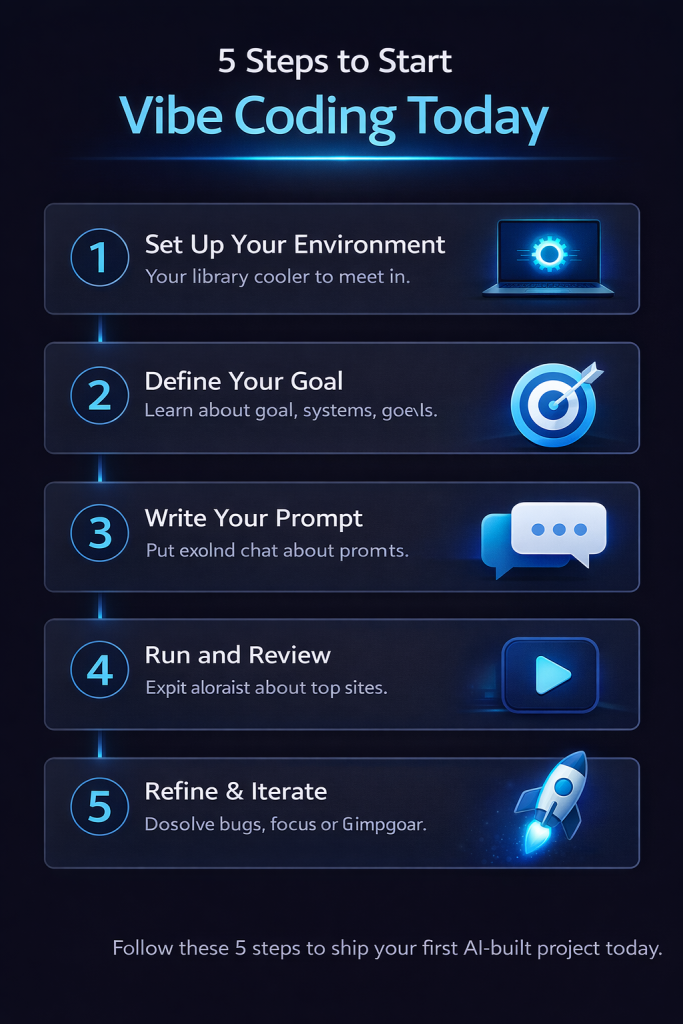
Here’s the core loop every vibe coder follows — and it’s simpler than you think.
The Prompt → Review → Iterate Cycle
Step 1: Write a clear prompt.
Describe what you want in plain English. The more specific, the better the output. Instead of “make a login page,” try: “Create a login form with email and password fields, a submit button, and basic form validation using React and Tailwind CSS.”
Step 2: Review the output.
The AI generates code. You don’t need to understand every line yet. Check that it roughly matches what you asked for. Running it is often faster than reading it.
Step 3: Test it.
Run the code. See if it works. If something breaks, paste the error message back into the AI chat and ask it to fix the issue. That’s it.
Step 4: Iterate.
Keep refining. Add features. Ask the AI to improve the design, add error handling, or speed things up. Each loop makes the product better.
⚠️ Warning: Never deploy AI-generated code to production without reviewing it for security issues. AI tools can occasionally introduce input validation gaps or expose sensitive data — especially when building anything that handles user information.
This prompt–review–iterate cycle is what separates successful vibe coders from frustrated ones. Speed comes from trusting the loop, not from trying to understand every generated line right away.
How to Start Vibe Coding Today
You don’t need a complex setup. Here’s how to go from zero to your first working project in under an hour.
Step 1: Choose Your First AI Tool
For beginners, start with one of these three:
- Replit Agent — Runs in the browser, zero setup required (best for complete beginners)
- Cursor — A full code editor with deep AI integration (best overall for most people)
- GitHub Copilot — Best if you already use VS Code
Step 2: Pick a Simple First Project
Start small. Good beginner projects include:
- A personal portfolio website
- A to-do list app
- A simple quiz or calculator
- A landing page for an idea you already have
Step 3: Describe Your Project in Detail
Open your AI tool and type what you want to build. Be specific about what it should look like, what the user can do, and what technology to use. Or let the AI decide the stack — it usually picks well for beginners.
Step 4: Build Feature by Feature
Don’t try to generate the whole app in one prompt. Build step by step. Ask for the homepage first, then the navigation, then the contact form. Smaller prompts produce fewer errors and better results.
Step 5: Deploy It
Use Vercel, Netlify, or Replit to publish online in one click. Sharing real, working projects is how you build a portfolio — even as a complete beginner.
💡 Pro Tip: Join the r/vibecoding community on Reddit to see what beginners are actually building. Seeing real examples accelerates your learning faster than any tutorial.
Best Tools for Vibe Coding Beginners
| Tool | Best For | Free Plan | Skill Level |
|---|---|---|---|
| Replit Agent | No-setup browser coding | ✅ Yes | Complete Beginner |
| Cursor | Full-stack development | ✅ Limited | Beginner–Expert |
| Bolt.new | Rapid app prototyping | ✅ Yes | Beginner |
| v0 by Vercel | UI and component generation | ✅ Yes | Beginner |
| GitHub Copilot | VS Code users | ✅ Limited | Intermediate |
Start with Replit if you want zero friction. Move to Cursor once you’re comfortable and want more control over your projects.
Vibe Coding Mistakes to Avoid
Most beginners hit the same walls. Avoid these five errors and you’ll progress much faster.
Mistake 1: Writing vague prompts.
“Make it look better” gives the AI nothing to work with. Be specific: “Increase the font size to 18px, change the background to dark gray, and add 20px padding to the main container.”
Mistake 2: Trying to fix errors manually.
When something breaks, don’t dig through the code yourself. Paste the error message into the AI and ask it to fix the issue. That’s the whole point of the workflow.
Mistake 3: Starting too big.
Vibe coders who open with “I want to build the next Airbnb” crash fast. Start with a single-feature app. Complexity is the enemy of momentum.
Mistake 4: Accepting code without testing.
AI can write code that looks correct but doesn’t do what you asked — or worse, creates security risks. Always test in a safe environment before publishing anything that handles real user data.
Mistake 5: Never shipping.
Half the value of vibe coding is moving fast and getting real feedback. Don’t let projects sit in a local folder. Push them live. Share them. Iterate on what you learn.
FAQ
What is vibe coding in simple terms?
Vibe coding is using AI to build software by describing what you want in plain English. Instead of writing code yourself, you prompt an AI tool to generate it, then review and refine the result through a simple back-and-forth process.
Do I need to know how to code to start vibe coding?
No prior coding knowledge is required. Many people use vibe coding as their very first entry point into software development. However, learning basic web concepts — like how HTML, CSS, and JavaScript fit together — will help you write better prompts and catch issues faster.
Is vibe coding the future of software development?
It’s a significant part of the future, yes. Nvidia CEO Jensen Huang has stated that AI will handle the majority of code writing within a few years. However, human judgment, system design, and product thinking remain critical skills no AI fully replaces.
What’s the best vibe coding tool for beginners in 2026?
Replit Agent is the most beginner-friendly because it runs in the browser with zero setup. Cursor is the most powerful option once you’re comfortable with the basics. Both have free tiers to get started.
Can you make money with vibe coding?
Absolutely. Many vibe coders build and sell micro-SaaS tools, freelance by building websites for local businesses, or automate internal workflows and charge companies for the result. The barrier to becoming a builder has never been lower.
Final Thoughts
Vibe coding is not a gimmick. It’s a skill shift — one that’s already separating the builders who adapt from those who don’t.
You don’t need to become a professional programmer to benefit from vibe coding. You need curiosity, clear thinking, and the willingness to ship imperfect things and improve them. That’s it.
Start with one small project today. Pick Replit if you’re brand new, or Cursor if you want more power. Describe your idea in plain English. Build it. Ship it.
The fact that you read this guide means you’re already ahead. Now go build something.
Found this useful? Share it with someone who wants to break into tech in 2026 — or drop a comment below. What will you build first?